Getting Started with Skeleton in Figma
Learn to integrate and optimize Skeleton in your Figma workflow.
Authors  Micha Mailaender
  Bohdan Karpliak
This lesson walks you through the essentials of using Skeleton in Figma — setting up your workspace, customizing themes, and keeping your design library organized.
Whether you’re new or refining your workflow, you’ll learn how to work smarter and get the most out of Skeleton.
Chapters
1
Setup & usage
Learn how to install and use the Etesie Figma Kits – the Skeleton v4-compatible Primitives Kit and the matching Auth Kit.

2
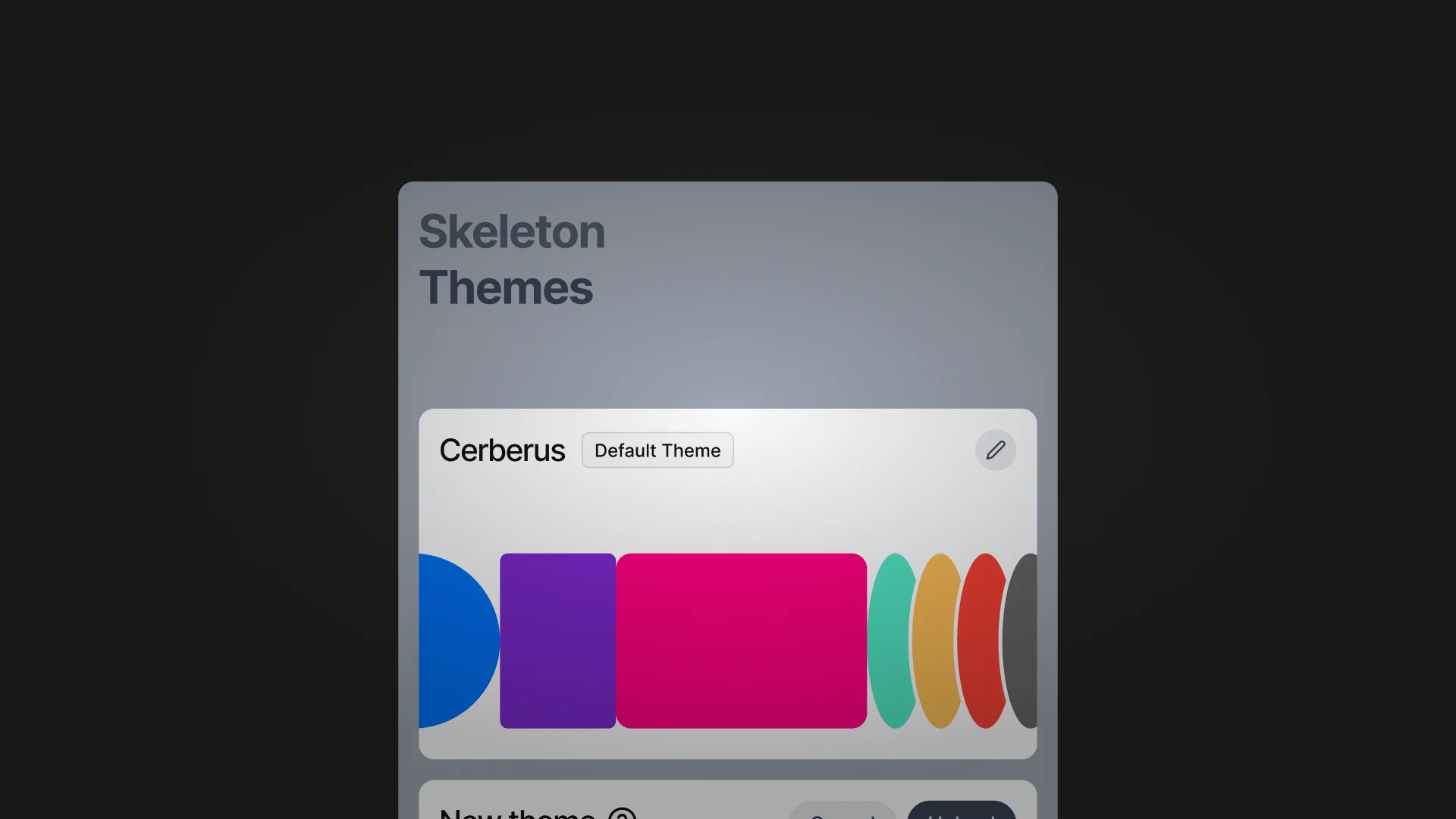
Import Themes
Import and apply themes to your libraries based on the Primitives Kit (Skeleton v4).
3
Update Figma library
Keep your Primitives & Auth Kits up to date as we ship new releases.